Inhibit The Mouse In Emacs

James Cherti has a new version (Release 1.0.4) of his inhibit-mouse package available. As the name suggests, it disables the mouse while you’re using Emacs. I’ve written about inhibit-mouse before. As I said in my previous post my first thought was that I don’t need this because I’ve already trained myself not to use the mouse while I’m in Emacs.

The thing is, though, that I mainly use my laptop—a MacBook Pro—which has a trackpad for mouse operations. Since I often use my laptop on my lap while sitting on the couch, it’s easy to inadvertently touch the trackpad with my palm and change focus from one window to another. Turning off the mouse would eliminate that from happening. Still, I do use my trackpad to scroll Web pages and emails that are displayed with WebKit because there’s no other decent way of doing so. Happily, inhibit-mouse is very configurable and you can, in particular, disable it’s use in any major modes you like. That may solve my WebKit problem.

Inhibit-mouse is a reimagining of Steve Purcell’s disable-mouse package. Cherti claims inhibit-mouse has some advantages—such as being more efficient—over disable-mouse. Take a look at the repository to see what they are.

If you’re looking for a way to banish the mouse from your Emacs experience, this seems like a good way of doing so. You can even leave a couple of escape hatches if you need to.
Posted in General | Tagged | Leave a comment

Writing Is Like Science

Rachel Yang is a studying to be a research scientist. She’s currently a Ph.D. student at MIT but has already worked on some projects leading to breakthroughs. She tells the story of the first such project when she was an undergraduate.

The project itself was a success. After some trial and error she managed to produce the desired result. That’s when the problem began. Her professor asked her to write up her results as a research paper. She panicked. She was perfectly confident while doing her research but was convinced that she couldn’t write intelligibly.

What she discovered was that writing was a lot like doing science. You could think of it as trial and error. You produce a first draft and fix the obvious problems with it. You iterate on that process until you reach a satisfactory product. Just like doing science.

This seems to me to be an appropriate story for Irreal because many in our industry hate writing and feel they aren’t good at it. As Yang explains, it just a matter of mindset. Writing is not unlike what you do everyday in your job: make a first stab, improve on that, iterate.

Update [2026-06-04 Thu 11:26]: Added link to Yang’s post.

Posted in General | Tagged | Leave a comment

Sdcv-quick Update

Years ago, when I learned from mbork how to get my own copy of Webster’s 1923 dictionary my dictionary use was vastly improved. If you don’t know why having Webster’s 1923 is a big thing, here’s my original post on it from 2015.

For Emacs users, the package you need is quick-sdcv.el, an update of the original sdcv package. Actually, quick-sdcv useful for a lot more than just Webster. You can even use it to access the Oxford English Dictionary from within Emacs. Obviously, there’s a lot to like.

The point of this post is to pass on the announcement that sdcv-quick has been updated. If you do any writing at all you need sdcv and Webster’s 1923. Having the OED is a bonus. Happily, it’s easy to have it all in Emacs with sdcv.

Posted in General | Tagged | Leave a comment

My Growing Appreciation For EWW

A couple of weeks ago, I wrote about using EWW to avoid paywalls and my experiments to see if it really worked. As I reported, it did in a surprising number of cases. But as I also wrote, I’m not that interested in avoiding paywalls so I didn’t expect to get much out of the experiment other than satisfying my idle curiosity.

It turns out though that I discovered using EWW could be very restful. As I wrote in that last post,

The other thing I learned is that reading content with EWW can be a very restful experience. No ads, no blinkenlights, and sometimes, no paywall either. I didn’t try running EWW with eww-readable but that would probably make the experience even more restful.

My normal procedure is to read my feeds with Elfeed—the world’s best RSS reader—and to display the original Web page in the same buffer with elfeed-webkit. That gives me a browser like view of the page. The problem is, my ad blocker doesn’t work with elfeed-webkit so I get all the trash and abuse one gets with a default page load1.

During my experiment I discovered that calling EWW when a site gets out of control is an excellent solution. The latest version of elfeed makes this easy so if I site becomes too obnoxious, I simply switch to EWW and invoke eww-readable with R to provide a quiet and restful wall of text (complete with the accompanying pictures).

It’s amazing how much junk we just take for granted when all we want to do is read an article or post. EWW takes away a lot of the sting. No, it’s still not going to replace the browser but it’s an excellent companion to it.

Footnotes:

1

John Gruber has an excellent screed on one part of this default behavior. There are plenty of others.

Posted in General | Tagged | Leave a comment

Rethinking Your Desk

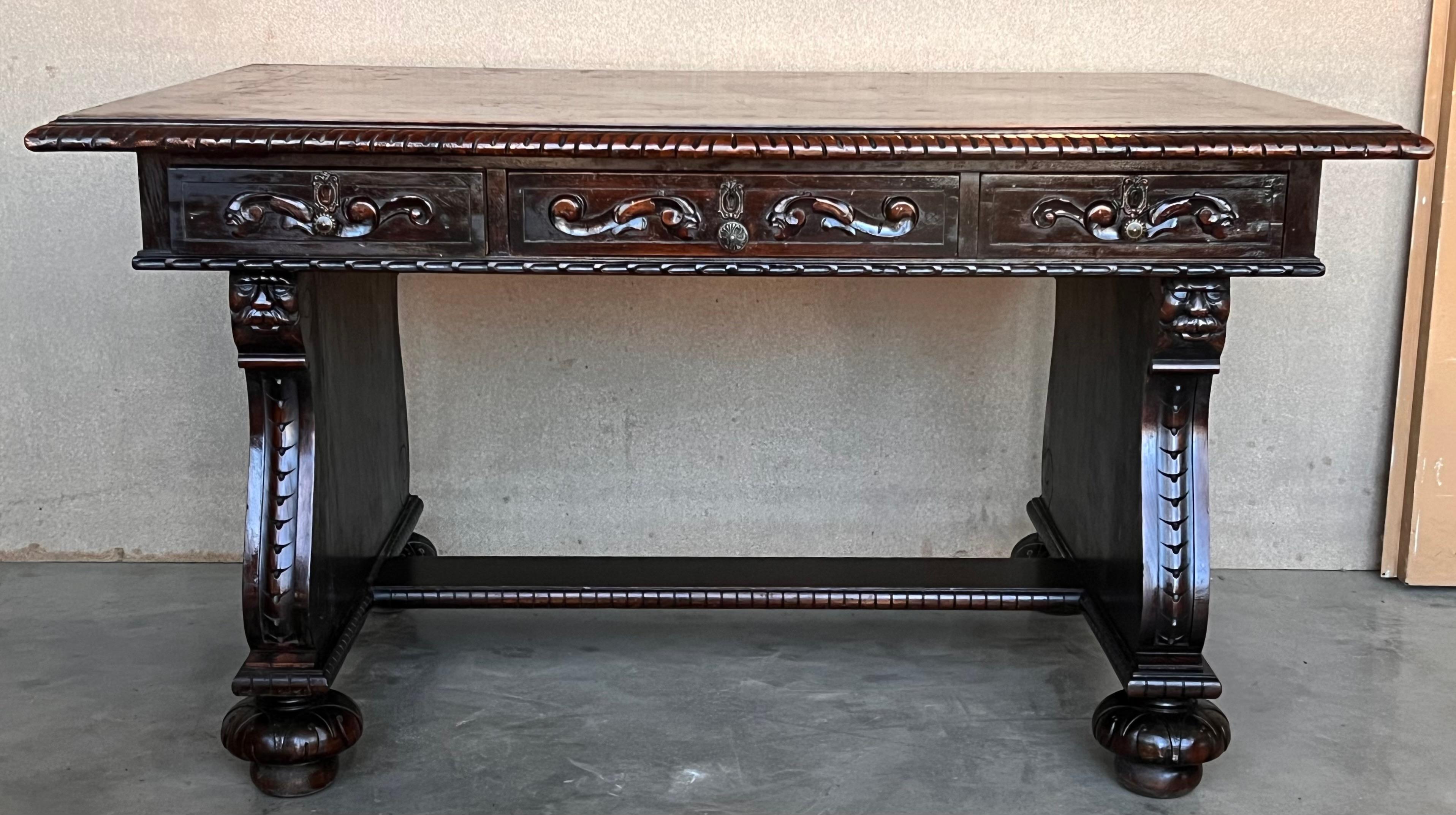
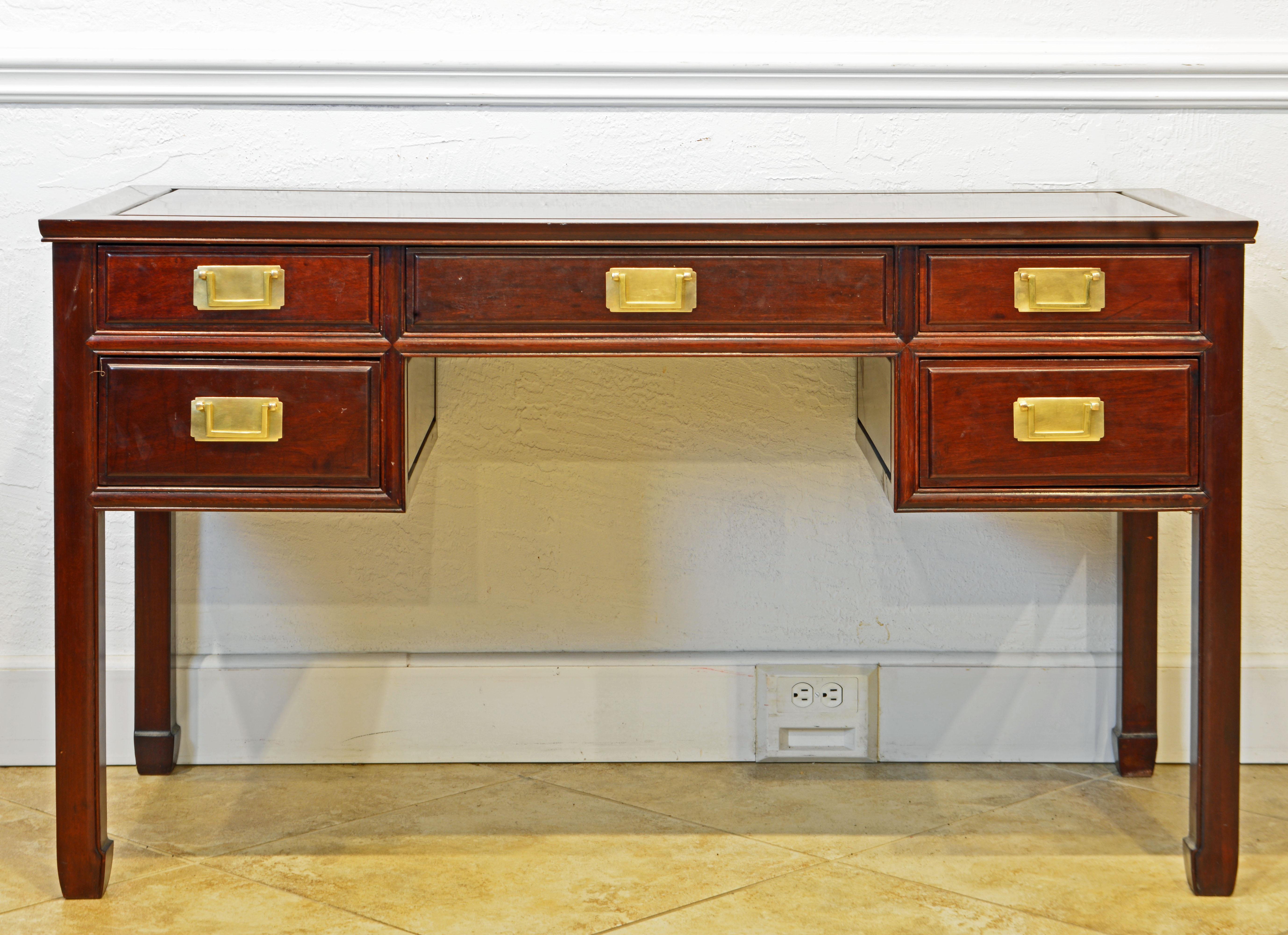
I’ve always had a thing about desks. I really enjoy looking at pictures of people’s work areas and in particular their desks. I’ve gone through stages. Sometimes I really liked renaissance desks, sometimes colonial desks, and sometime modern desks. Basically, I just want a table that can hold my computer, keyboard, and a few other work items.

Fatih Arslan has his own take on the matter. Like me, he appears to prefer a desk that is basically a table but he has a unique view of how to use it. His idea is to have two desks in one. His physical desk is 200 cm long, which gives him a lot of room. The surprising thing is what he does with all that length.

He divides the desk into two parts. One half is the “digital side” where he has his computer, his keyboard, and little else. In order to earn a place on this side of the desk, something has to be used regularly for his writing, coding, or taking business calls.

The other half is the “analog side”. It’s for things that don’t need a screen. It has pens, notebooks, books he reading, and miscellaneous sheets of paper that he’s working on.

The split makes perfect sense. One side’s for computer tasks and the other side is for activities that don’t require a computer. Arslan has been using the setup for about 10 months and it’s working well for him.

There is, I think, something to be said for having space on your desk that’s not taken up by a keyboard and on which you can write with a pen, read a book, or simply play with the kids.

Posted in General | Tagged | Leave a comment

Reading Gmail In Emacs On macOS

As most of you know, I don’t use Gmail or anything else from Google—except YouTube—if I can help it. They have, sadly, moved from “Don’t be evil” to “Do whatever you need to do to make us money”. For reasons that we here at the Irreal bunker have a hard time understanding, lots of people disagree and are all in on Gmail and many of the other Google offerings.

If you’re one of those Gmail users, are running on a Mac, and are an Emacs user, you may want to read your Gmail from within Emacs. The problem is that it’s difficult to configure Gmail authentication. Yi-Ping Pan has a solution. He uses the Password app instead of OAuth2 and says that you can get everything set up in about 20 minutes. Take a look at his post for the details. He provides everything you need to get things running.

Webframp notes in a comment that Pan’s solution might not work if you have Google’s advance protection enabled. I can’t comment on that because: not a Gmail user.

Well, actually, I suppose that technically I am a Gmail user because I do have a Gmail address. I can’t remember the last time I got any mail from it but irrational paranoia keeps me from deleting it. How, then, do I deal with Gmail? Simple. I forward it do my main email account so that it appears normally without having to do anything special. Like many of you, I have several email accounts and I do the same thing with all of them: I forward them to my main email account. Mu4e makes sure that my answers come from the appropriate email address.

If you’re using Gmail as a secondary account, forwarding it to your main account may make more sense than jumping through Google’s hoops. Regardless, if you want to retrieve Gmail directly, Pan’s post has a good solution.

Posted in General | Tagged | Leave a comment

Auto Revert Ignore

Just a quickie from Marcin Borkowski (mbork) today. Like many of us, mbork likes to turn on global-auto-revert so that any file open in Emacs that gets changed by an external process has the changes reflected in the Emacs buffer.

Sometimes, though, you don’t want that to happen. Mbork gives the example of viewing a PDF file while LaTeX is updating it. The question is: how to prevent auto revert from updating certain modes.

That turns out to be pretty easy. As usual, Emacs has us covered. The global-auto-revert-ignore-modes variable lists all the modes that should be ignored by auto revert. You can check mbork’s post for the details but it’s really quite simple: you list the modes that auto revert should ignore and that’s it.

This is, really, a niche concern but if you have it, mbork’s post tells you how to avoid it.

Posted in General | Tagged | Leave a comment

Zap-to-char Backwards

Today was a good Emacs day. I learned something new. Over at Ray on Emacs, Raymond Zeitler has a very nice post on using zap-to-char in reverse. He—hypothetically—was typing some text, inadvertently leaned on a key, and ended up with a long string of a repeated character at the end of his text. Something like this:

senteeeeeeeeeeeeeeeeeeeeeeeeeeeeeeeeeeeeeeee

Here’s what I didn’t know. You can cause zap-to-char to delete characters to the left by giving it negative count argument. So in Zeitler’s example, he erases the string of e​s by calling zap-to-char as Meta+- Meta+z t.

But that’s not quite right. The problem is that it will also erase the t, which I assume was not his intention. Fortunately, there’s an easy solution that I wrote about almost 14 years ago. The problem with zap-to-char is that it does what you want it to only about half the time. The rest of the time you don’t want to delete the target character; you want to delete up to but not including that character. It turns out that Emacs has a command, zap-up-to-char, to do that but it’s not bound to any shortcut1. I have it bound to Meta+Z. It also honors the negative count argument so the correct solution for Zeitler’s problem is Meta+- Meta+Z t.

The mistake aside, this is a great post because it tells me—and maybe you—something I didn’t know: you can zap backwards.

Footnotes:

1

Happily, it’s now autoloaded by default so you no longer have to worry about that.

Posted in General | Tagged | Leave a comment

Rejecting Emacs Bankruptcy

Last week I saw this post by Case Duckworth about Emacs bankruptcy but this post isn’t really about Duckworth’s post. Rather, it’s about the whole notion of Emacs bankruptcy and whether it’s something we should embrace as a routine activity. Some writers view it as part of the cycle of our Emacs life and recommend it as a regular activity.

As I wrote last year, my init.el is an organic entity that grows and adapts as my needs change. Sometimes I delete configurations or packages that I no longer use but most often I add a configuration or package as my needs change or I learn something new. I’ve put a lot of work into evolving my configuration and I can’t think of any reason that I’d want to abandon all that work and start over. Much better to fix the parts that need fixing and save the parts that are working.

My configuration is by no means a carefully considered project that has grown according to some master plan. Rather, it has evolved to meet my changing needs and newfound knowledge. Sometimes there are experiments that don’t work out and when that happens, I simply delete the offending lines and keep going.

At no point have I ever felt the need to just quit and start over. That strikes me as crazy. It is, I suppose, an Emacs specific example of the urge to scrap an existing system and rewrite it. As Joel says, that always ends in tears.

The TL;DR is that I reject the idea of Emacs bankruptcy and think that in almost every case, you should too.

Posted in General | Tagged | Leave a comment

Adventures On Emacs’ Event Horizon

Regular readers will be familiar with my occasional posts concerning my old pal Watts Martin’s journey into the Emacs event horizon. When he began, he swore that he would not be one of those “everything in Emacs” folks. He still (barely) hasn’t succumbed but the Borg are smiling and mumbling something about resistance and futility.

His latest step into the unknown frontiers of the black hole is adopting mu4e as his email client. It’s not an uninformed decision. Martin has tried lots and lots and email clients and mostly hates them all. As a long time Mac Head, he doesn’t care for the mu4e UI—it is, he says, the opposite of what a proper Mac app UI should be. But yet. It does have a lot of features that other mail clients don’t have. You can take a look at his post for the details.

Martin complains, rightly, that mu4e is hard to configure, especially considering that you also have to deal with isync/mbsync or something similar to retrieve email from it’s IMAP server. Longtime readers will remember my own struggles with that. I managed to avoid one of the problems that Martin dealt with by forwarding all my email accounts to a single account from which I retrieve them.

That saves a lot of trouble on the mbsync end but still allows me to handle each account separately within mu4e. If I answer an email, mu4e looks at the address the email was sent to and automatically sends it from the right address. If I initiate an email, it’s a simple matter to arrange it to be sent from any of my accounts.

Martin’s post on mu4e is actually a pretty good review of the app and worth looking at if you’re an Emacs user looking for a new email client.

Posted in General | Tagged | Leave a comment